
Before you start
- The server is declared and answers (chapter 3).
- The client exists in IntegraSys. An inactive client is not offered.
List the server's databases
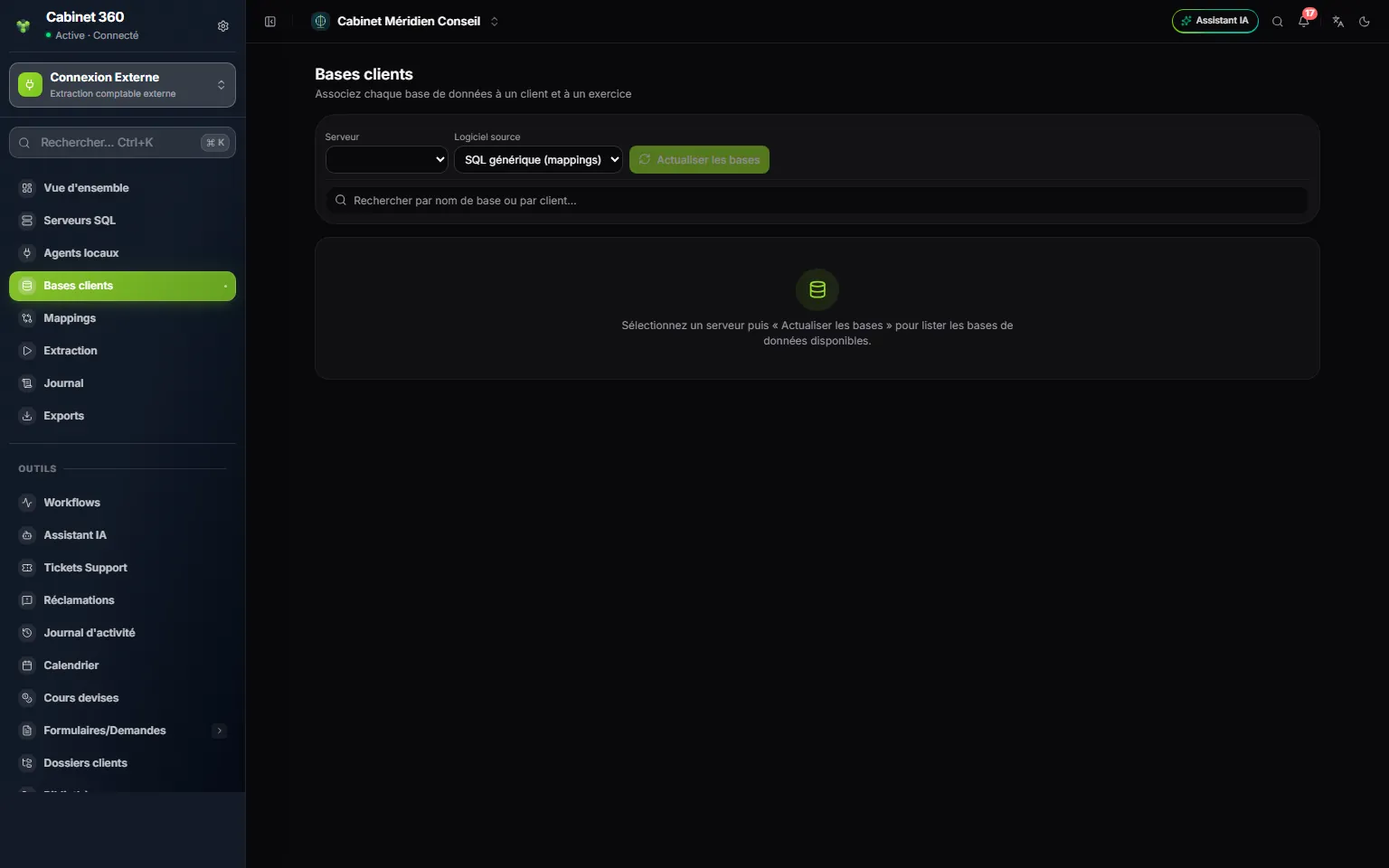
- 1. Server and Source software: the server to read, and the software its databases were kept in.
- 2. Refresh databases asks the server for its list of databases.
- 3. The search filters the databases by their name or by the client already chosen.
- 4. Before the first list, the page says what to do.
- Choose the Server.
- Choose the Source software: Sage 100 (SQL Server) for accounts, Sage Paie (SQL Server) for payroll, SQL générique (mappings) for another software.
- Click Refresh databases. For a server linked to an agent, the list goes through it: up to a minute, which the screen recalls while you wait.
One row appears per database. Databases already assigned show up by themselves, even before Refresh databases.
Assign a database to a client
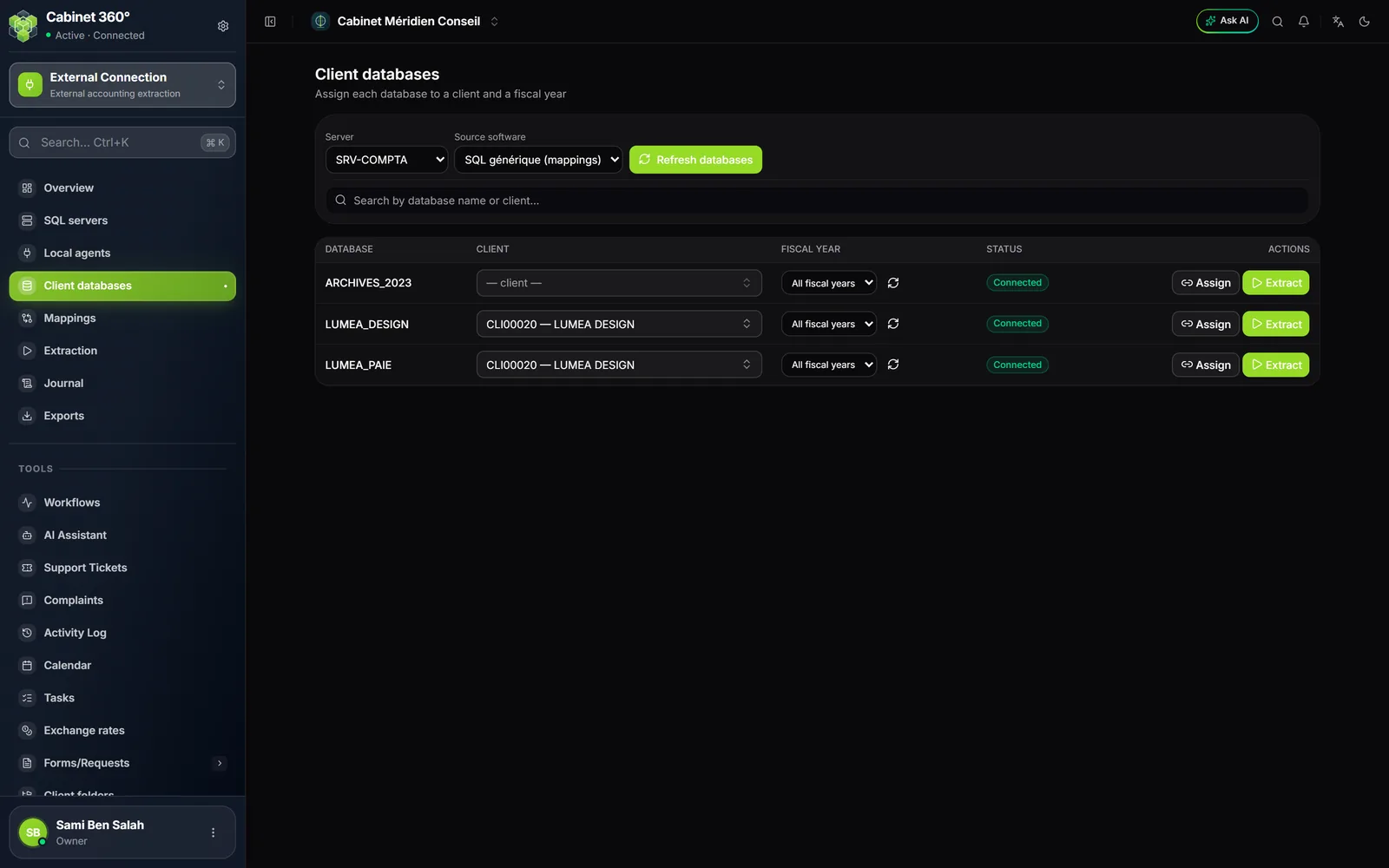
Each row has five columns: Database, Client, Fiscal year, Status and Actions.
- Under Client, type a few letters and pick the client: the list gives its number and name.
- Leave Fiscal year on All fiscal years. The years are chosen at each extraction.
- Click Assign. « Assignment saved » appears, the Status replaces « Unassigned » and Extract becomes active.
- Extract opens the Extraction screen, with this database already chosen (chapter 6).
As long as no client is chosen, Assign stays greyed out.
A database's status
| Status | What it means |
|---|---|
| Unassigned | The database is not linked to any client yet |
| Untested | Assigned, but no test, list of its years or reading of its columns has opened it yet |
| Connected | The last opening worked, for example to list its years |
| Failed | The database refused the last opening |
The status tells what the database's last opening found. An extraction does not change it: a database already extracted can still read « Untested ». The refresh icon of the Fiscal year column reads the database's years: it is also a good test of one particular database.
Find a database
A large server hosts dozens of databases. Type part of the database's name, or of the client already chosen for it, in the search: the page only shows the matching rows, and their count on the right, « … / … databases ». The cross clears the search.