The dashboard
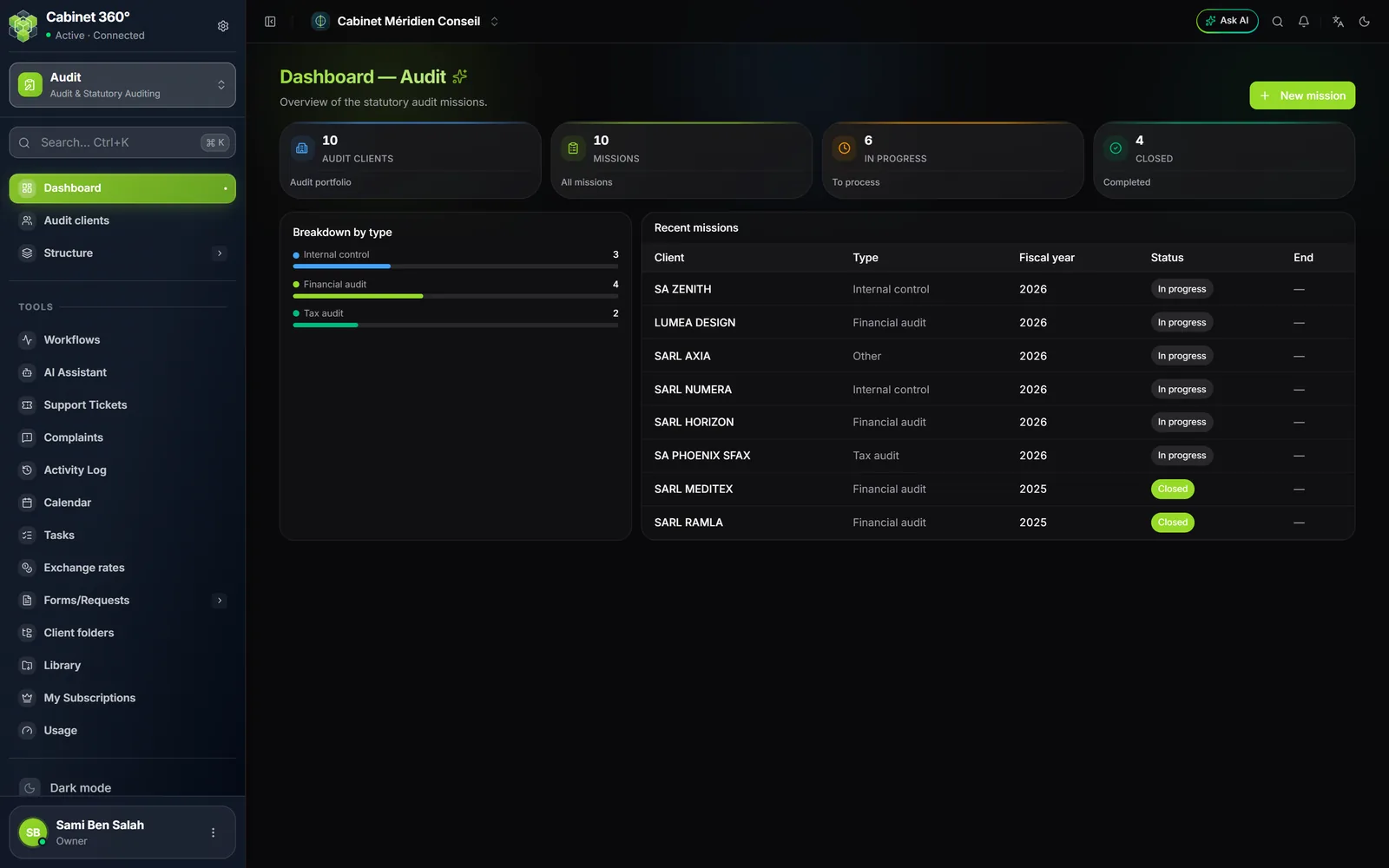
The Dashboard — Audit gives the overview of the firm's missions.
| Block | What it shows |
|---|---|
| Audit clients | The number of clients that have at least one mission. |
| Missions | All the missions, whatever their status. |
| In progress | The missions still open. |
| Closed | The finished missions. |
| Breakdown by type | The share of internal control, financial audit and tax audit missions. |
| Recent missions | The eight most recently started missions: client, type, fiscal year, status and planned end date. |
A click on the client's name of a recent mission opens the mission. The New mission button creates a mission, with the client chosen in the form (chapter 4). Beyond 500 missions in the firm, the tiles and the lists only count the 500 most recent ones.
The audit clients
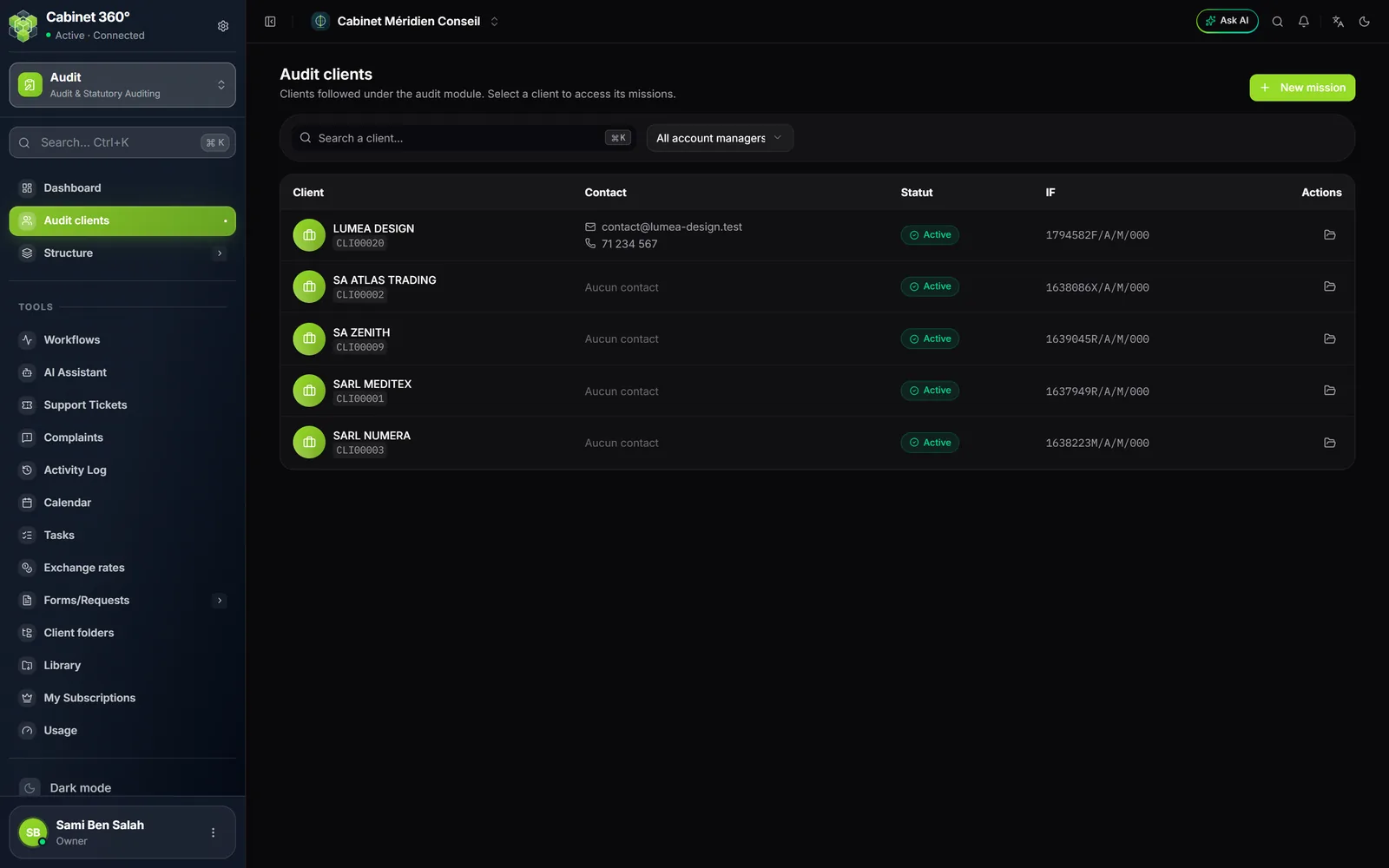
The list shows the clients that have the Audit service and are not inactive (chapter 2). Each row gives the client, its contact, its status and its tax ID.
- The search finds a client by its name.
- The All account managers list keeps only the clients of one account manager, or those with No account manager.
- A click on the row opens the client's page.
An audit client's page
When a client is chosen, the menu adds Missions: this client's page. It recalls its name and its tax ID, then lists its missions.
| Column | What it shows |
|---|---|
| Subject | The mission's title, or its designation. |
| Audit type | Financial audit, internal control or tax audit. |
| Fiscal year | The audited year. |
| Fiscal year period | The start and end of the audited fiscal year. |
| Duration | The start and the planned close of the mission. |
| Cost (TND) | The cost entered on the mission. |
A double-click on a row, or the Choose a mission… list at the top, opens the mission. Each row also carries three actions: Open the dashboard, Close mission or Re-open mission depending on its status, and Delete. New mission creates a mission for this client, already chosen.
The shared questionnaire
The audit questionnaire is a reference list shared by every firm. Only the platform administration changes it: a banner says so, and the screens have no Add button. You view it; your answers stay specific to each mission (chapter 13).
| Questionnaire | Sections | Sub-sections | Questions |
|---|---|---|---|
| Internal control | 11 | 64 | 903 |
| Tax audit | 7 | 28 | 473 |
The three screens fit into one another:
- Sections: the chapters of the questionnaire. Filter by type, search by code or by designation.
- Sub-sections: the sub-chapters, filtered by section.
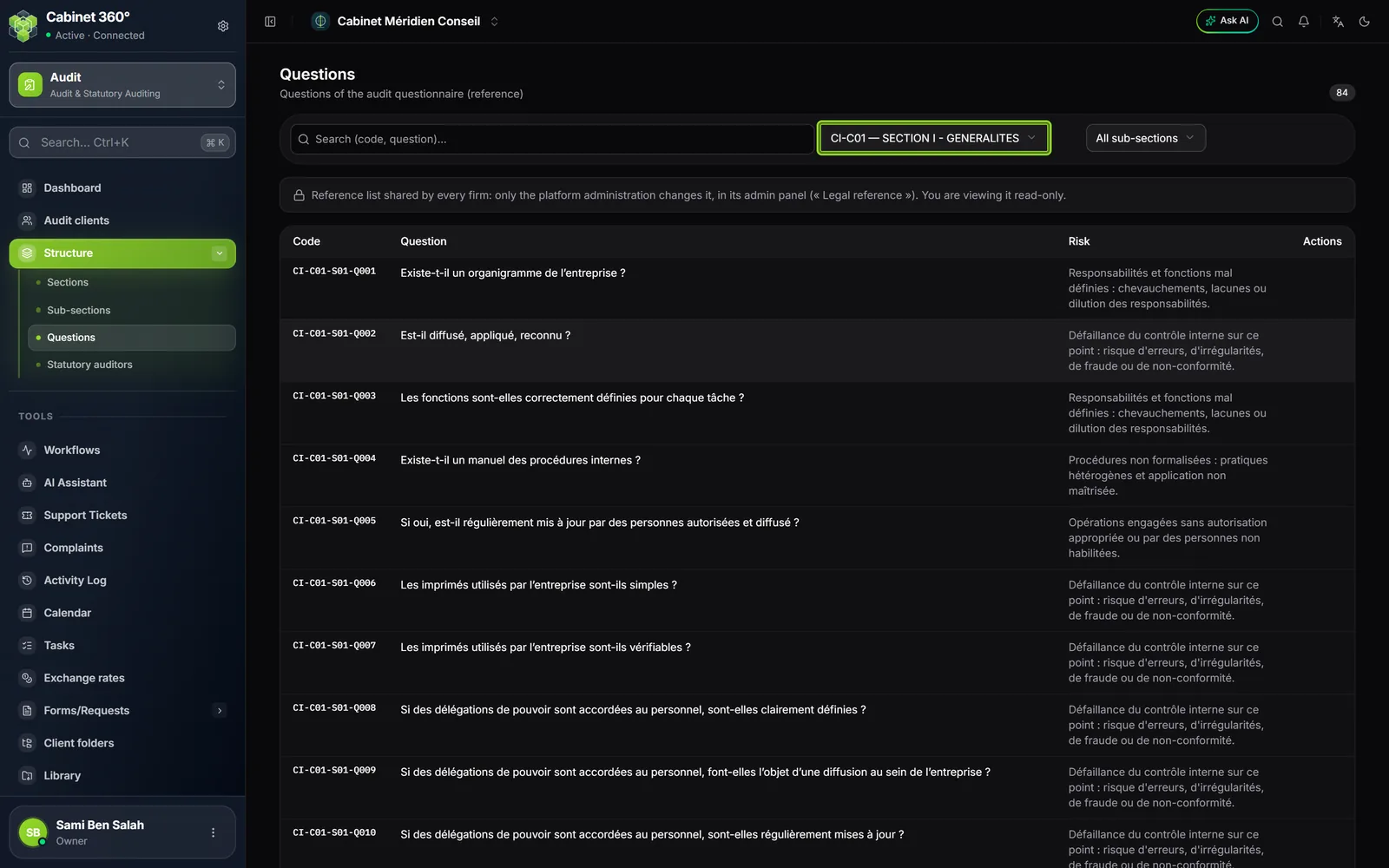
- Questions: the code, the question and its risk. Filter by section then by sub-section, or search by code or by text.