
The form and the statutes
A client appears in Legal clients as soon as their « Legal » service is ticked. The company form is filled in eleven steps and gets a number (FORM260001…). Submit requires a proposed name and a declarant; approval is a separate right. On an approved creation form whose name has been retained, Generate the statutes creates the statutes as a draft and updates the client's record, only once.
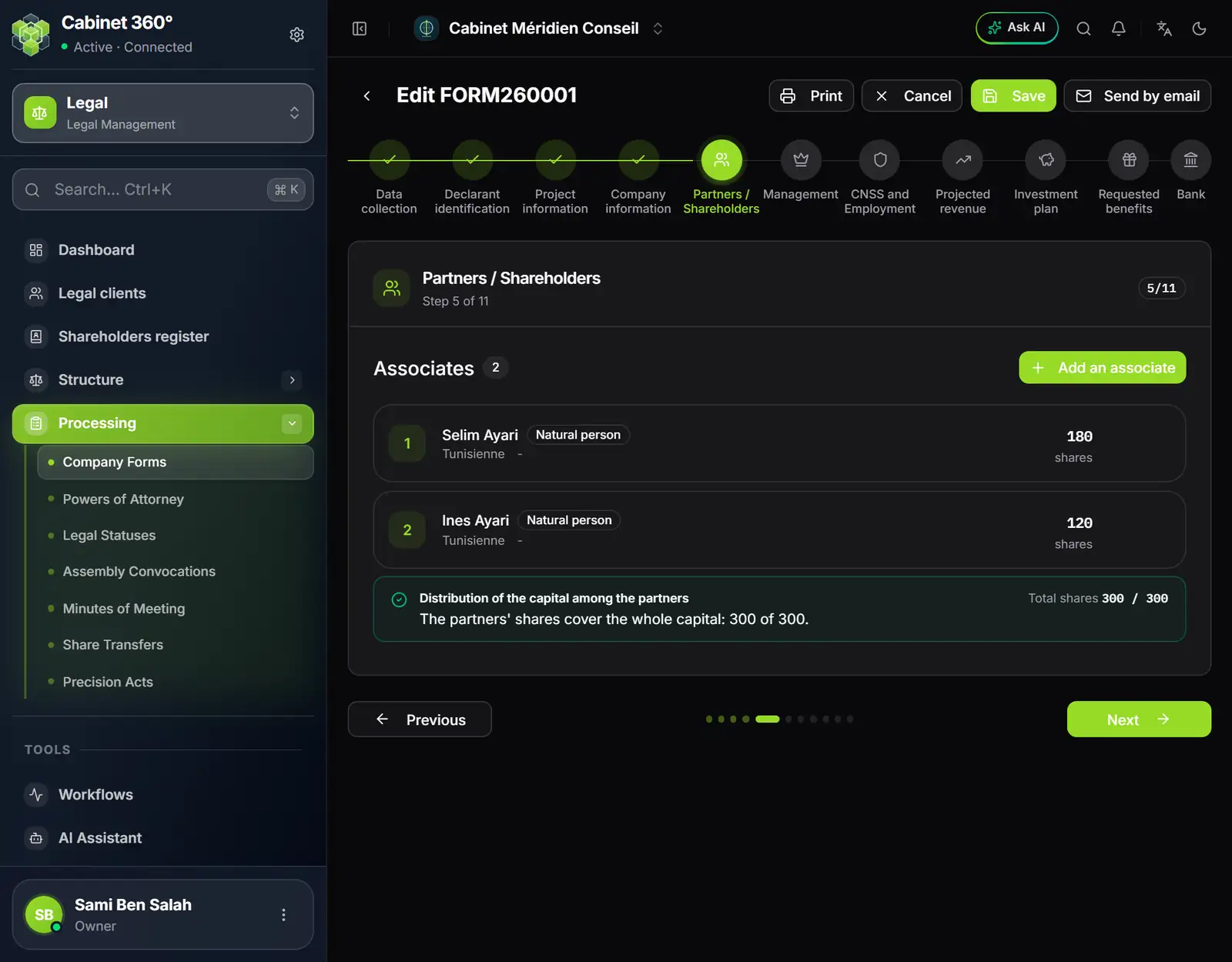
- 1. Company Forms, in Processing.
- 2. The current step, out of eleven.
- 3. Next: the following step.
Meetings
A convocation picks its agenda items from Structure; the meeting takes place at least twenty days later. On a convocation that is sent or held, Generate the minutes carries over the client, the place, the date, the type and the agenda. The Shareholders register is read, not typed: it comes from the adopted statutes and the share transfers.
What comes out
The statutes print or download as PDF, marked « PROJET » while they are a draft; the convocation and the minutes print. Each uses the firm's template if it has one, otherwise the built-in one. The power of attorney and the share transfer require a template of the firm. The list of shareholders also comes out on the RNE C 012 form, up to eight shareholders. Templates are set in Settings › Templates › Print Templates.