
One module at a time
On the left, the menu. Its top button shows the open module: one click opens the list of modules, a click on one of them selects it, and its menu takes over. The starting order: Operations, Finance, Fixed Assets, CRM, Accounting, Tax, Human Resources, Legal, then the others. Settings always closes the list.
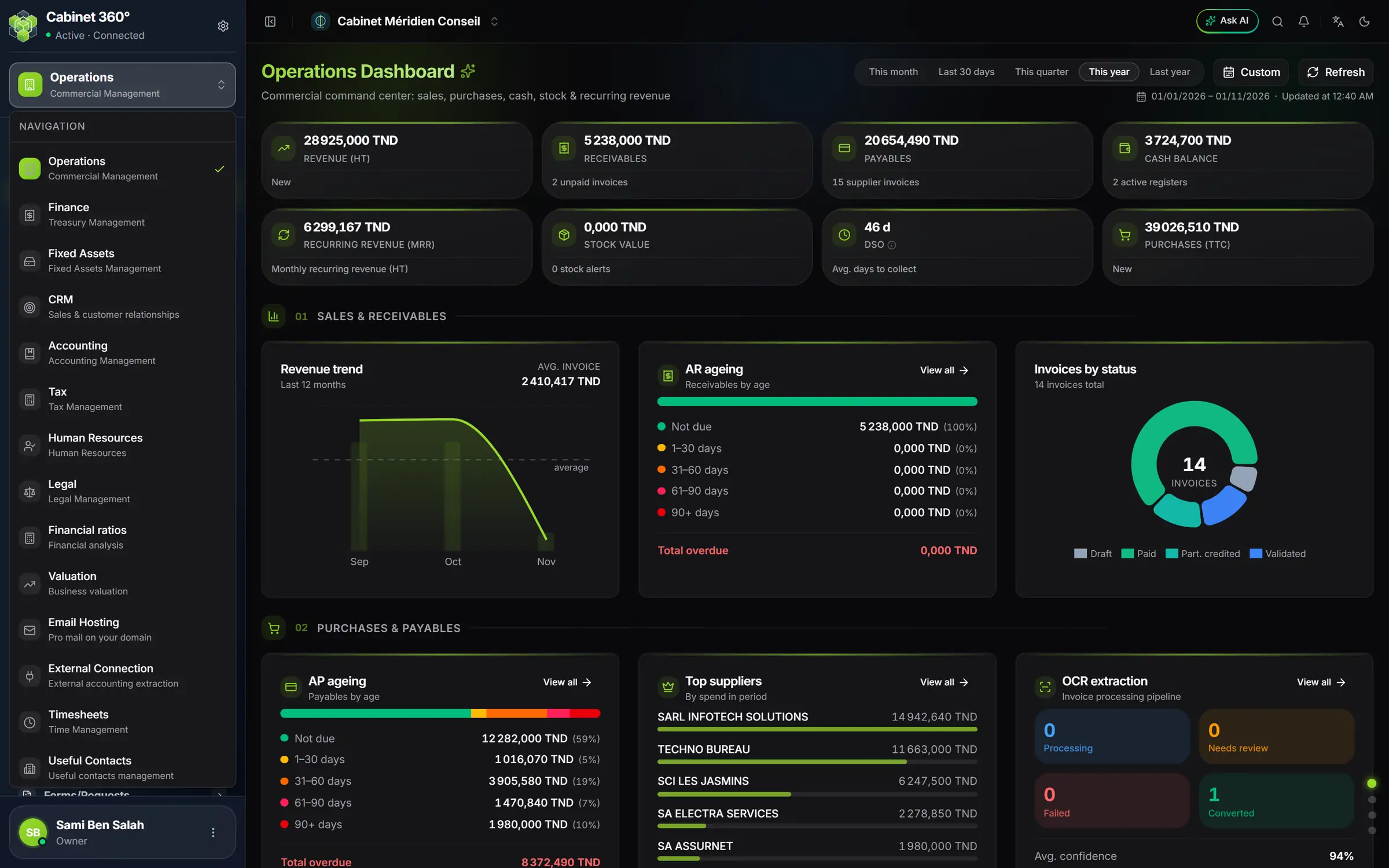
- 1. The open module: one click opens the list of modules.
- 2. A module: one click opens it; its menu replaces the previous one.
- 3. Your firm: this menu lists your companies and leads to Company settings.
- 4. You: your name and your role.
You only see the modules the firm subscribes to, and in each one only the screens your rights open. Reorder modules, at the bottom of the list, changes their order. In Accounting, Tax and Human Resources, opening a client replaces the menu with the menu of that client's file.
The first screen
After you sign in, the Operations dashboard opens. On a new account it offers three ways in: Add a client, New invoice and Import data. This book starts one step earlier, with the firm's settings (chapter 2): without them, the first invoice would be refused.