
The firm profile
The same page opens from your company's menu at the top of the screen: Company settings. It reads line by line; each line has its Edit button, and only one opens at a time. Eight sections: Identity, Addresses, Legal and tax, Directors, Finance and formats, Banks, Payment methods, Signature and stamp. The logo and the stamp accept JPEG, PNG, WebP or GIF, 2 MB at most.
The numbering sequences
The menu calls them « Stubs »; the page itself says « Sequences ». A sequence numbers one type of document: FAC00001, FAC00002 and so on, without duplicates. Twelve are mandatory: quote, pre-invoice, invoice, credit note; the four purchase documents (purchase order, receipt, purchase invoice and purchase credit note); convention, domiciliation, disbursement; employment contract. An orange box lists the missing ones under Mandatory sequences to set up: Set up “…” opens the sequence already filled in, Create saves it.
The template of your PDFs
Four templates: Classic, Corporate, Minimal and Elegant. Customization sets the colours, the visible sections (discount, VAT detail, amount in words, signature, watermark, bank in the footer…) and the table; Save keeps them. This template dresses your printed quotes, pre-invoices, invoices and credit notes, and the copy your clients see on their portal.
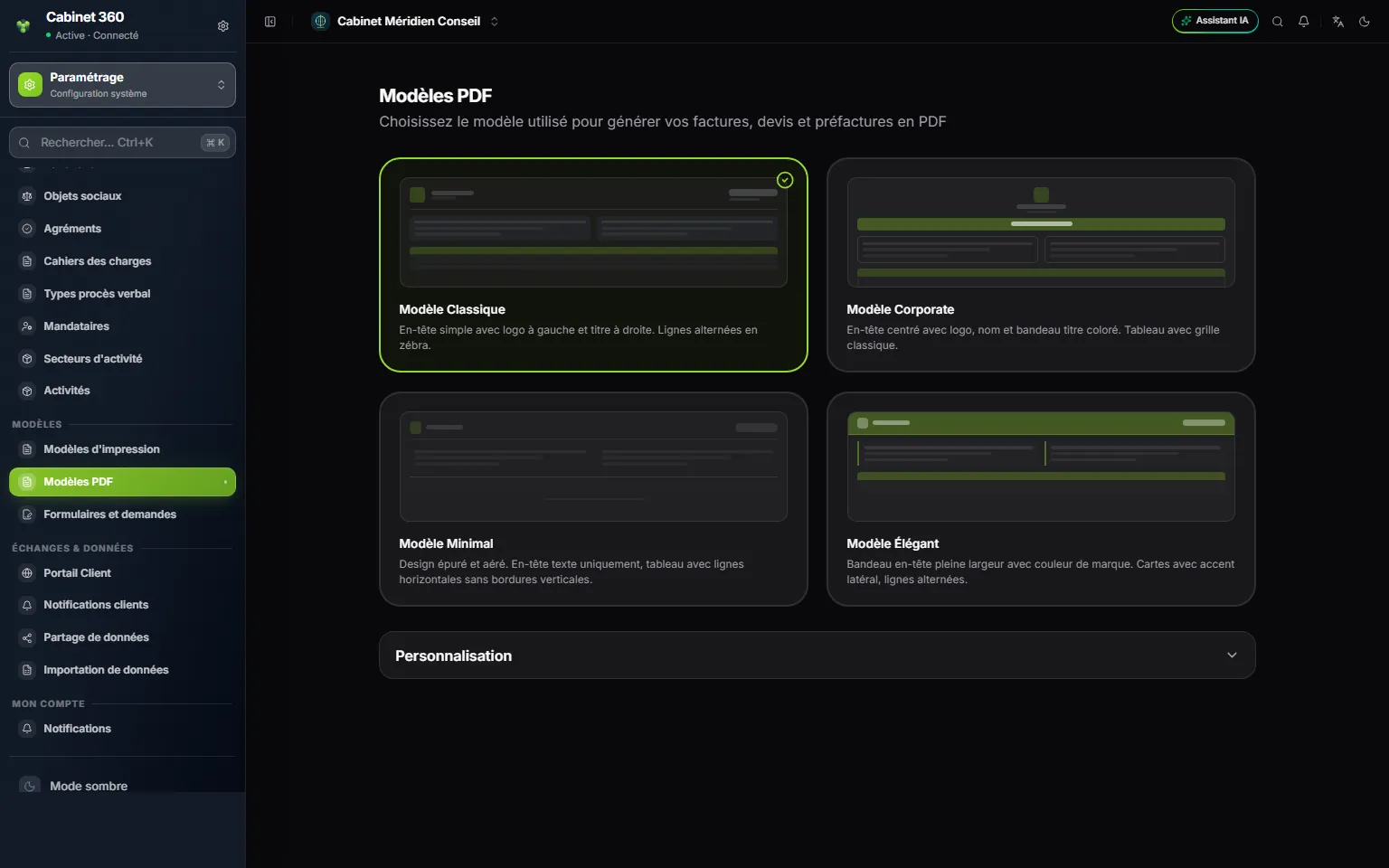
- 1. The template in use: it dresses all your sales documents.
- 2. The other templates: Corporate, Minimal, Elegant.
- 3. Customization: colours, visible sections, table.