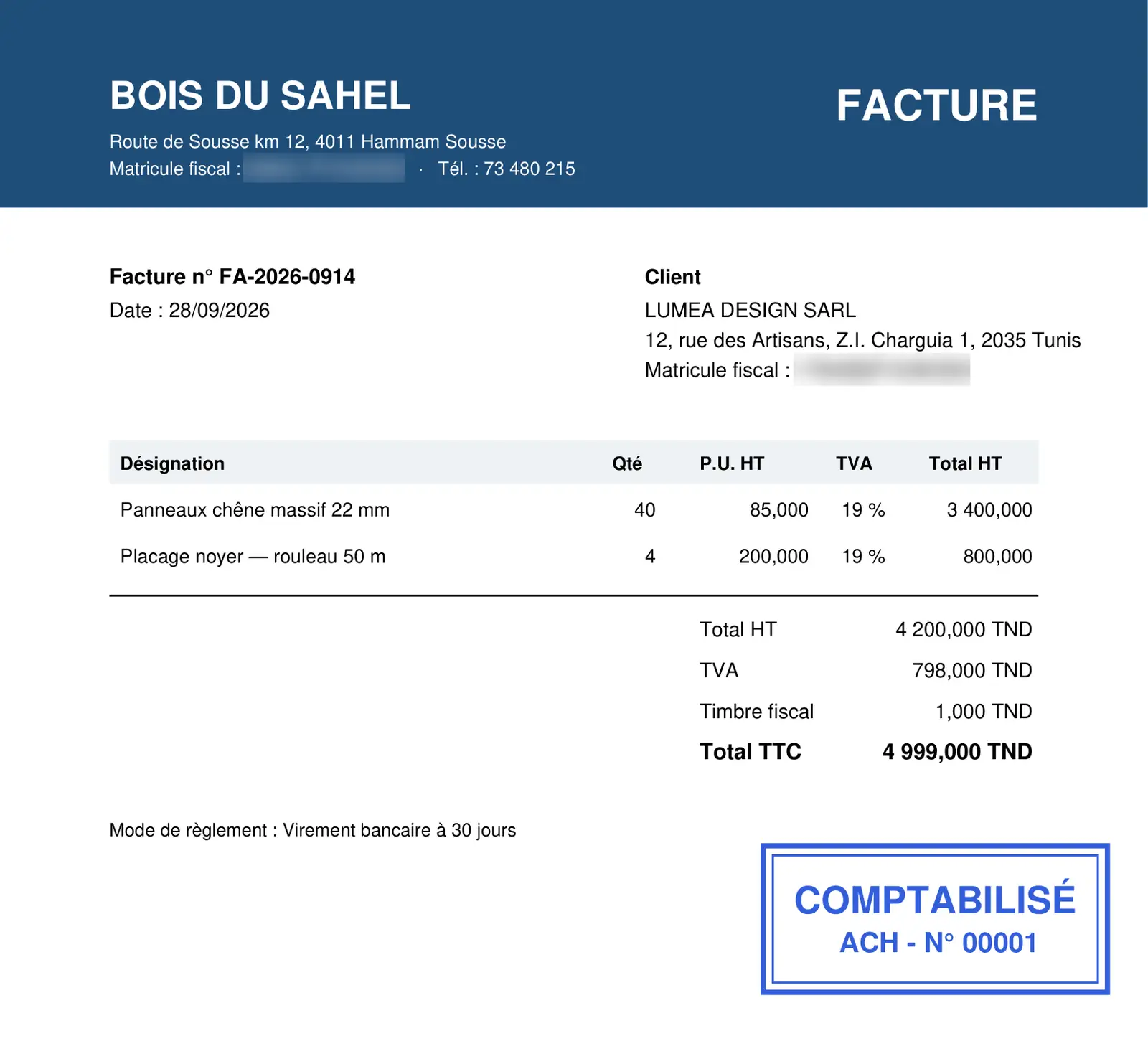
The file
A client whose record carries the « Bookkeeping » service appears among the eligible clients: Configure opens its file, with its team (mandatory) and its financial year; the start-of-service date entered on the client's record opens it too, without a team, to be completed afterwards. The menu becomes the file's menu: Structure (chart of accounts, third parties, journal codes), Processing, Data Import, Year-end works, Accounting statements, Financial statements… You change the financial year in the top bar, and only there.
Documents
Processing › Document entry has a single button, Save. The number comes from the journal and cannot be changed; there is no draft ledger. Scanned invoices go through OCR (Pre-accounting): IntegraSys reads the document, you check it, Post turns it into a validated entry, and the scan becomes the document's image. Bank statements arrive by import (Excel or CSV) or by OCR of the PDF statement; Bank reconciliation sets them against the account's entries, and Account inquiry is used for matching.
What comes out
Accounting statements: journal, general ledger, third-party ledger, trial balance, third-party balance and comparative balance, each with Print PDF or Export Excel; every page names the file, the report and the period. A document read by OCR prints with its « COMPTABILISÉ » stamp (Print with the stamp); the stored file itself does not change.